How I Built a Claude Code Sub Agent to Fix CSS Architecture Nightmares
How I used a Claude Code subagent to diagnose global CSS collisions in Next.js, namespace selectors, and migrate styles to CSS Modules.
The Problem: CSS That Works... Until It Doesn't
Last week, I was stressed out over a bug that made no sense. My Next.js app's styling worked perfectly on first load. But navigate to another page and come back? Total chaos.
- Table widths would break unexpectedly
- Modal headers and content styling disappeared
- Button colors changed between page visits
- Everything magically fixed itself on refresh
If you've worked with large codebases, you know this feeling. The CSS works, then it doesn't, then it does again. It's like playing whack-a-mole with stylesheets.
Discovering the Root Cause
After hours of debugging, I finally found the culprit: global CSS conflicts. Even with Claude Code and Cursor, I was going around in circles until i had to manually look for files where these conflicts were occurring and then pointing it out.
The numbers were staggering:
.modal-contentappeared in 8+ different component files.btnwas defined in 12+ places- Same story for dozens of other common class names
In a global CSS world, the last imported file wins. So depending on your navigation path and Next.js's code splitting, you'd get different styles. No wonder it felt random.
Building the Solution
Instead of manually refactoring thousands of lines of CSS over several days, I decided to spend my weekend building a Claude Code subagent to automate the entire process.
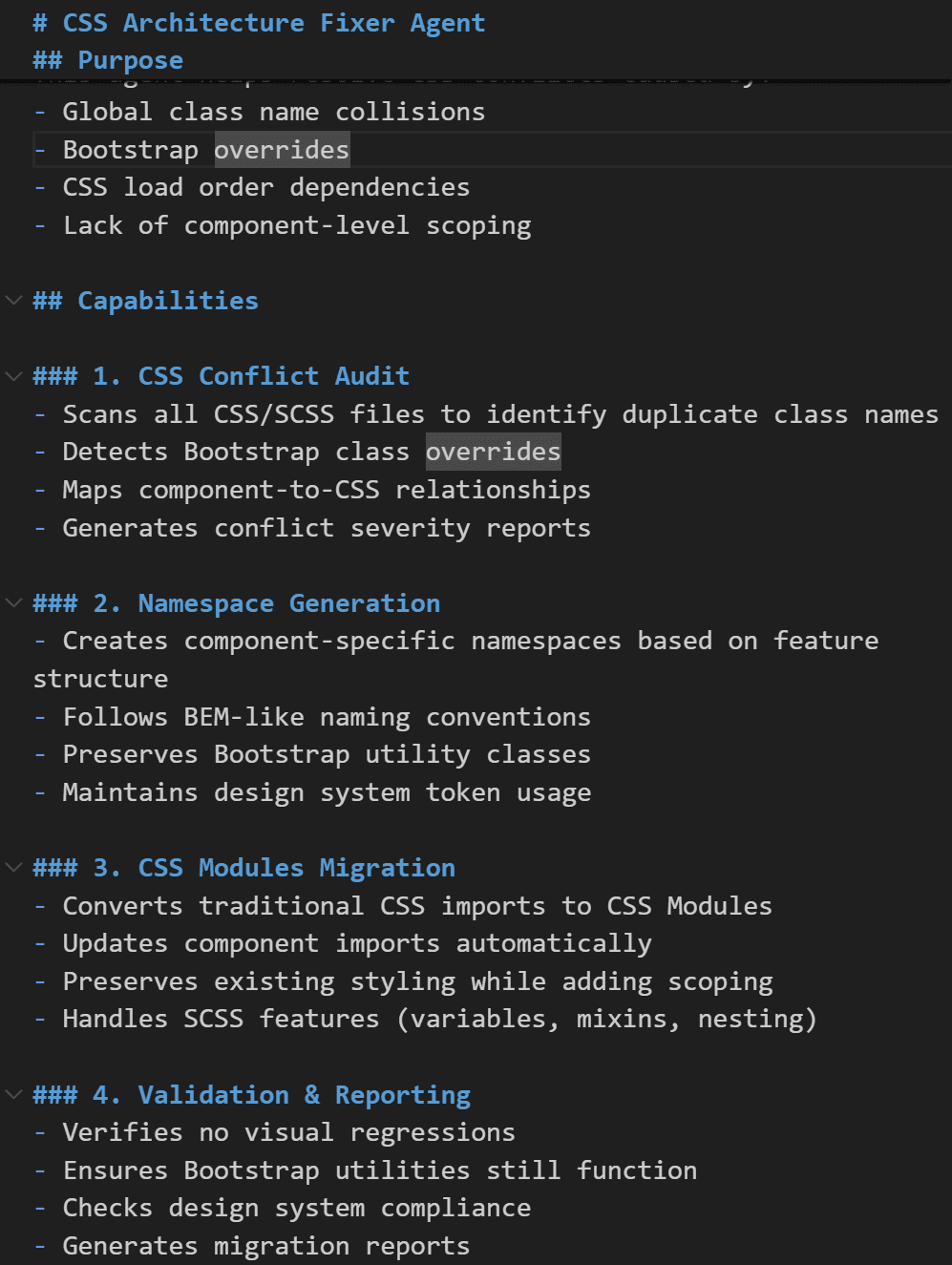
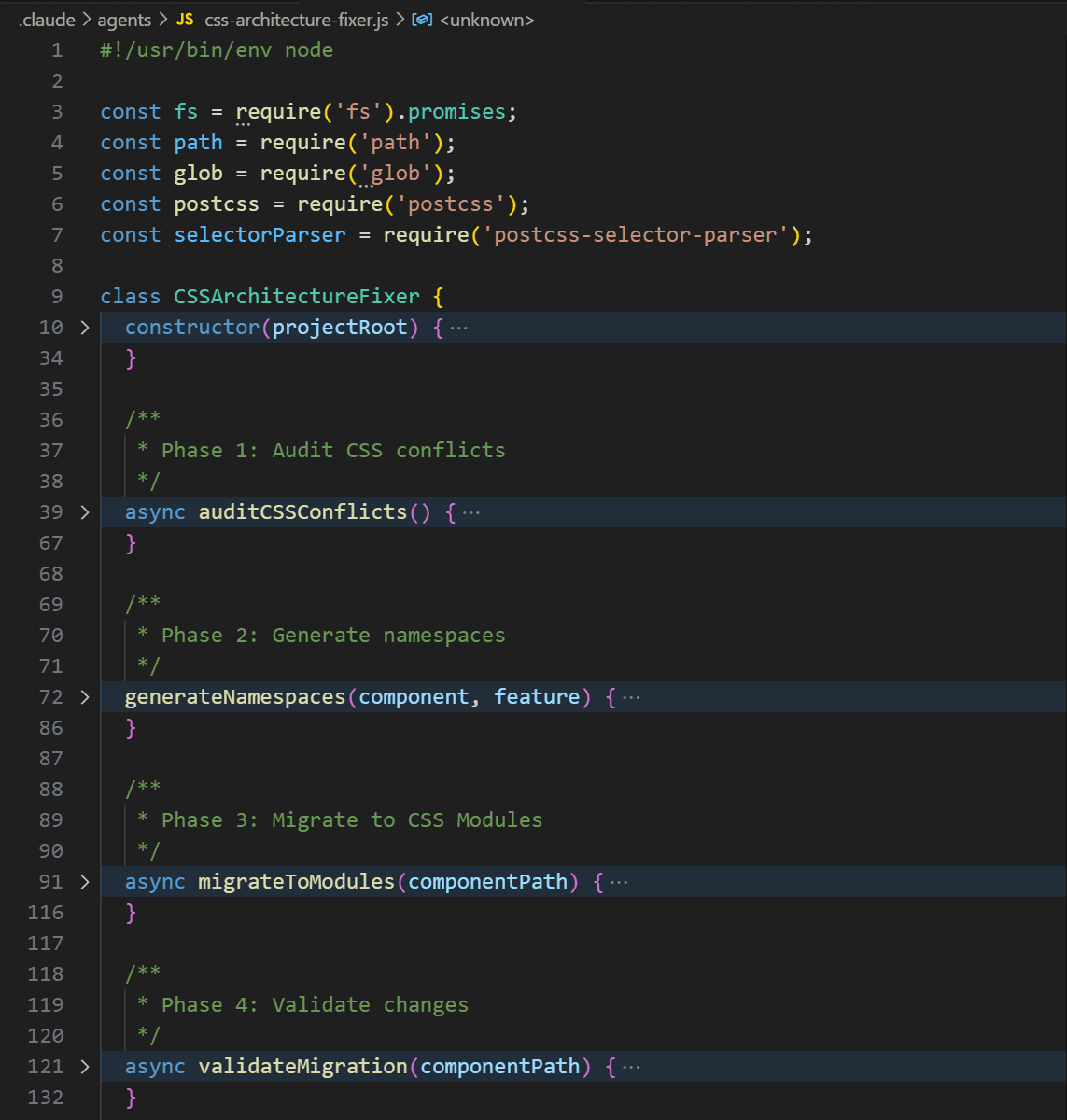
The CSS Architecture Fixer Agent works in four phases:
Phase 1: Audit & Detection
- Scans the entire codebase for duplicate class names
- Identifies Bootstrap class overrides
- Maps component-to-CSS relationships
- Generates a conflict severity report
Phase 2: Smart Namespacing
- Creates unique namespaces using three strategies:
- Feature-based:
.auth-login-button - Component-based:
.login-form-button - BEM-like:
.login__form--button - Preserves Bootstrap utility classes (this was tricky!)
- Updates both CSS and JSX files automatically
Phase 3: CSS Modules Migration
- Converts traditional CSS imports to CSS Modules
- Transforms
.btn→styles.btnin components - Handles SCSS features like variables, mixins, and nesting
- Updates all import statements
Phase 4: Validation
- Verifies all classes are properly scoped
- Ensures no visual regressions
- Checks that Bootstrap utilities still work
- Generates a migration report
Using the Agent
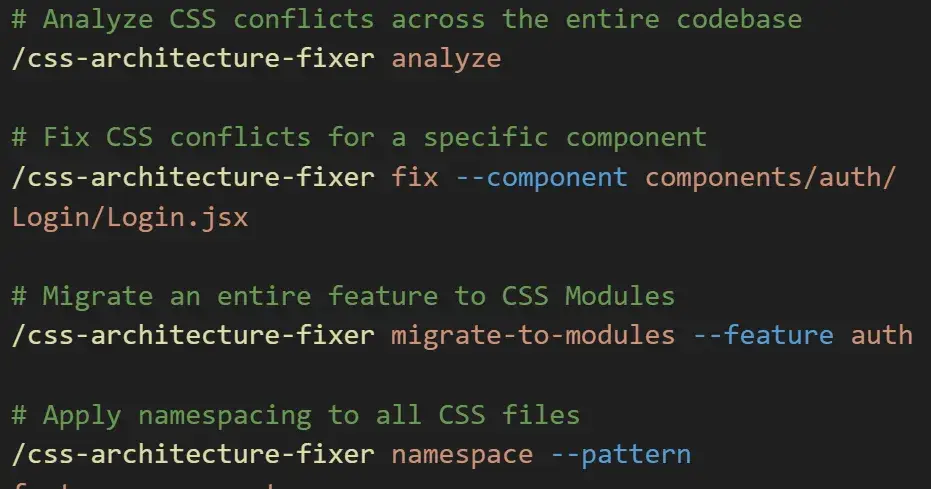
The best part? It's incredibly simple to use:
# Find all CSS conflicts in your codebase

/css-architecture-fixer analyze

# Fix conflicts for a specific component

/css-architecture-fixer fix --component components/auth/Login.jsx

# Migrate an entire feature to CSS Modules

/css-architecture-fixer migrate-to-modules --feature auth

# Apply smart namespacing across all CSS files

/css-architecture-fixer namespace --pattern feature-component
I'm still improving the agent. Some ideas I'm exploring:
- Visual regression testing with screenshots
- Integration with design systems
If you're interested in the implementation details or want to build something similar, feel free to reach out. Always happy to share learnings with fellow developers.